Making reports easier to send and easier to review.
Updates was built around a simple idea: reporting should not feel like extra work. It should fit into the way frontline teams already use Microsoft Teams.
Reports were scattered.
Workers were sending updates in different places. Managers had to follow up, collect responses, and figure out what still needed attention.
“I do the reports on the floor.”
“Make it easy to read and digest.”
Each report needed to be easy to understand at a glance.
The card became the main building block. A good card could show what the report was, who assigned it, when it was due, and whether it needed action.
One card, one report.
Keep the system simple.
Show the key details.
Make due dates, status, and ownership obvious.
Prioritize what matters.
Help people see urgent work first.
The product had two clear jobs.
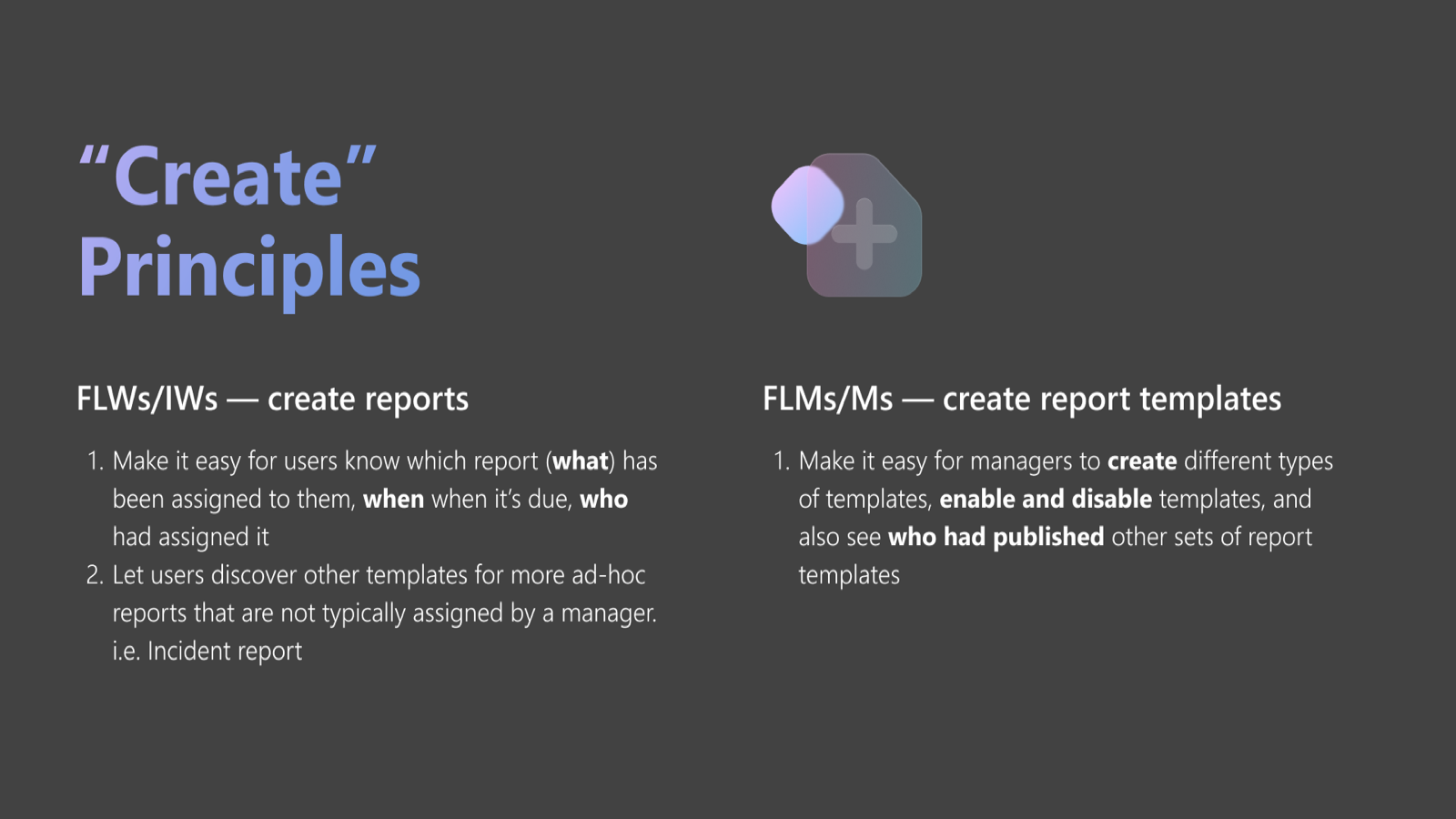
Frontline workers needed a fast way to submit reports. Managers needed a clear way to review submissions and see what was missing.

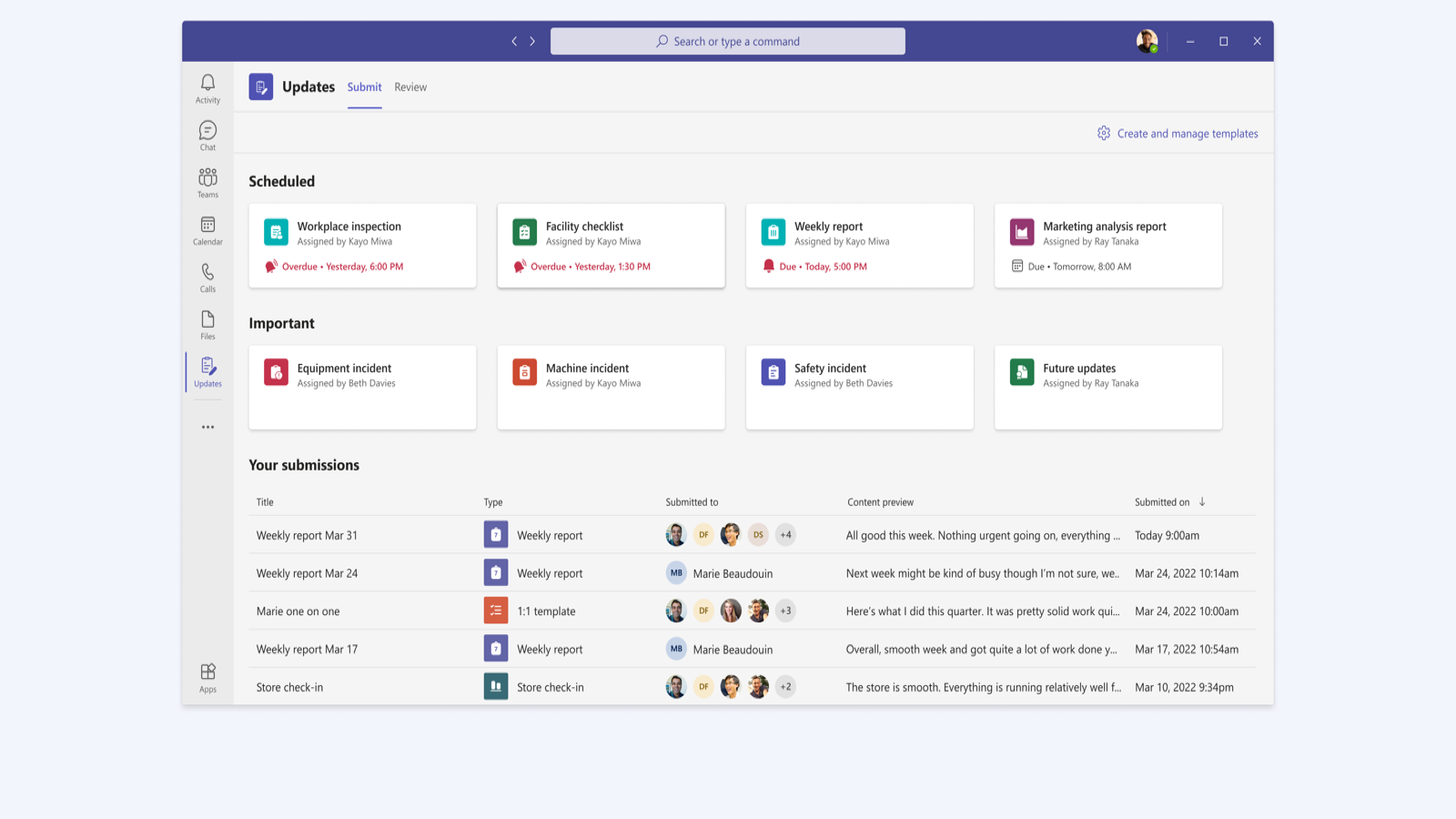
Submit
Workers could open a report, answer the required questions, and send it from Teams.
Review
Managers could see what was complete, what was missing, and review detailed responses.
A simpler reporting workflow inside Teams.
Updates helped teams create report templates, collect responses, and review progress without switching tools or chasing status manually.